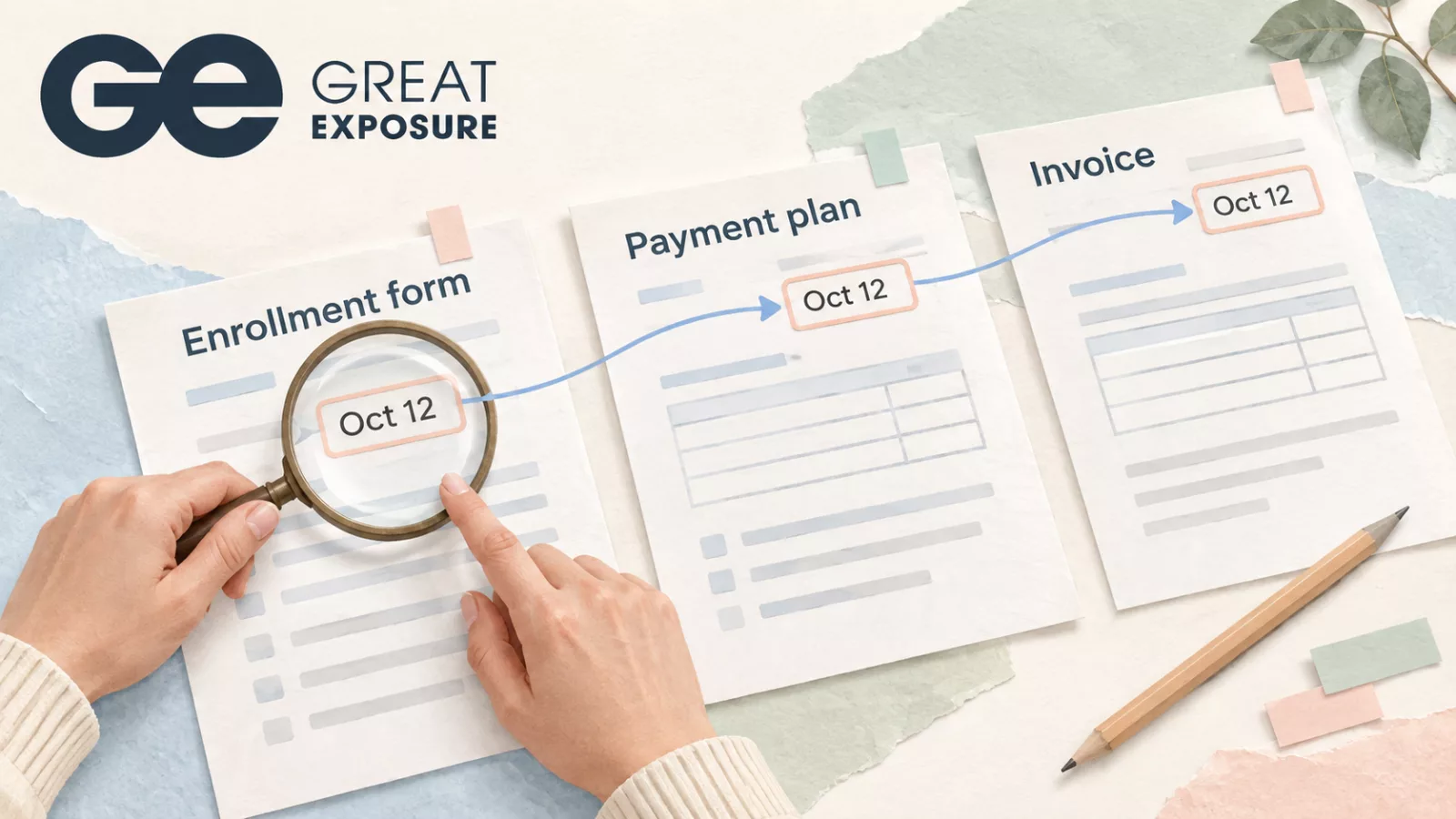
Consider a student who moves to a later program start date. Admissions records the change. A finance employee then prepares the payment schedule using the date from the original enrollment form.
The employee enters the information correctly. They are working from an outdated source.
Manual data entry exposes a school to both kinds of error: typing the wrong value and accurately copying information that has already changed. Finance and operations leaders need to examine where staff get their information, especially when they use it to prepare documents or contact students about payments.
A copied value can travel further than the original mistake
An incorrect date or amount may begin in one record. Staff can then carry it into an agreement, an invoice, or a report.
Once several documents show the same value, colleagues may assume they have confirmed it. In fact, they may all be using copies of the same entry.
For a career college managing program changes and payment arrangements, that creates a practical problem. Staff need to identify the source of an error before they can work out which other records require correction.
Changing one cell in a spreadsheet may leave an issued document or scheduled reminder untouched. The person handling the correction needs a way to find those dependencies.
Checking the typing catches only part of the problem
A second employee can compare an entry against a form and confirm that the values match. That check is useful, but it leaves another question unanswered: is the form current?
Schools should distinguish between checking an entry and approving its source.
For example, a revised payment arrangement may require confirmation before finance updates the student’s account. Staff need to know where to find that confirmation and who can provide it. An informal message saying “please change this” may leave too little context for a colleague reviewing the decision later.
Define the source staff should use for each important field. Include how they handle a change and what evidence they retain.
Corrections need an explanation
When a student questions a balance or a document date, finance needs to explain how the school arrived at the recorded information.
That becomes difficult if staff overwrite the previous value, save a replacement file, and discuss the reason in a separate email. The corrected record shows the outcome while the explanation remains elsewhere.
An auditable document workflow should help an authorized reviewer connect a document with the information and approval used to prepare it. Schools also need to confirm what history their software preserves.
Ask specific questions. Can staff retrieve an earlier version? Does the system record who changed a field and when? Can they attach the reason for the correction? Check these functions for the records your school uses; an electronic signature history and a financial field history serve different purposes.
Digital forms can preserve manual work
A school can remove paper from a process while continuing to copy the same information between tools.
An employee receives an online form, downloads it, and enters the details into a spreadsheet. Another employee uses that spreadsheet to prepare a document. The process looks digital, but staff still manage the transfers and decide which version to trust.
To reduce paperwork in school administration, follow the information through the entire task. Mark each point where someone re-enters a value. Then establish whether the receiving tool can use an approved record directly.
Some manual checks may remain necessary. Concentrate on repeated entry that adds no review or judgment.
Start with a process finance already has to correct
Choose a recurring task, such as updating a payment plan or preparing an enrollment document. Review a few recent cases, including one that required a correction.
Trace the information from its source to the final output. Record where employees copied it, who checked it, and how they handled changes.
The exercise should give you a short, specific improvement list. You might need to establish one approved source, remove a redundant worksheet, or require confirmation before issuing a revised document.
You can also measure the time staff spend investigating and fixing errors. Include finding affected records and explaining the correction to the student. That work helps leaders assess the cost of the current process.
Where CampusLogin can help
Great Exposure’s CampusLogin supports student finances, automated invoicing, payment reminders, and document workflows. Its integrated SignaturesSecured solution uses existing CampusLogin data to map document fields and lets schools send, sign, track, and store documents within the platform. Explore CampusLogin’s finance and document capabilities.
Bring the process you reviewed to a demonstration. Ask which entries staff could reuse, how they would approve a change, and what happens to documents already issued.
Use the answers to assess school administration software risk alongside convenience. Your team should be able to identify the approved information, correct it with a clear explanation, and find the records affected by that correction.