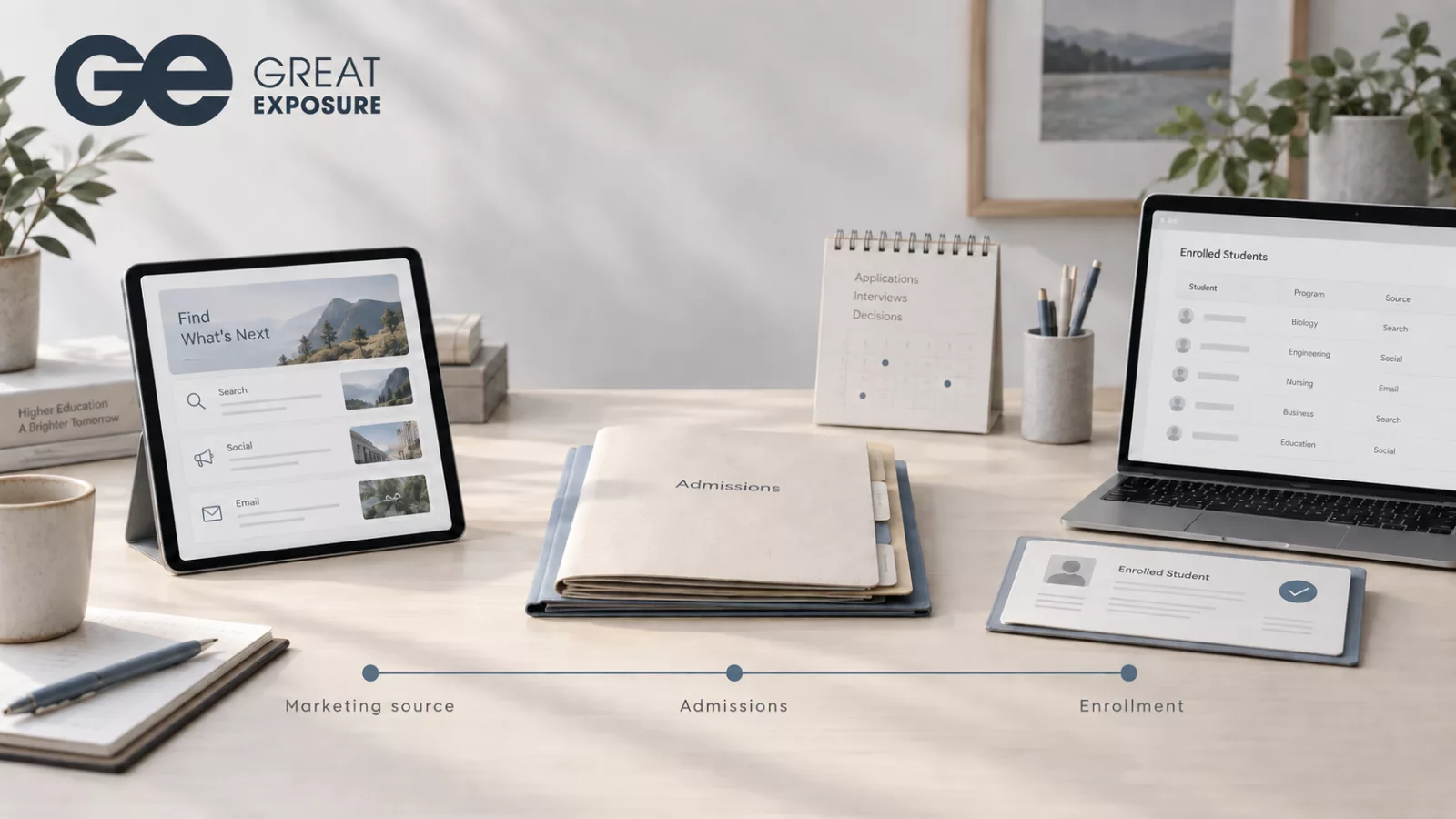
At the end of the month, your marketing report shows the cost of each campaign and the inquiries it generated. Admissions has an enrollment total. The registrar knows who started classes.
Before you approve next month’s budget, you need to connect those records. Which campaigns brought in the students who enrolled? Where did interested prospects stop progressing?
For career and postsecondary schools, closing the reporting gap means preserving a prospect’s marketing source as admissions tracks their progress, then connecting that history to the student’s enrollment record. With that information, leaders can assess recruitment spending by program, campus, and class start.
Keep the source attached to the student
A prospective student might first discover your school through an education portal, return through a search ad, and submit a form several days later. Admissions then contacts them, schedules a tour, and helps them apply.
The school needs a consistent way to record that journey. If staff transfer an applicant into the student system without their source information, marketing loses the connection to the outcome it needs to measure.
Start with the fields you already collect. Check whether the original source, campaign, and inquiry date remain available as the person moves through admissions. Establish how staff handle repeat inquiries so you can distinguish a new prospect from someone returning to ask another question.
You also need an attribution rule. Recording the original source and crediting the last campaign before an application answer different questions. Choose a method your team can explain, and use it consistently when comparing results.
Compare campaigns through enrollment
Cost per inquiry helps you understand what you paid to generate interest. Cost per enrolled student shows how that spending relates to an admissions outcome.
Consider a hypothetical comparison. Campaign A costs $3,000 and generates 100 inquiries, with five students enrolling. Campaign B costs $4,000 and generates 80 inquiries, with ten enrolling.
Campaign A has the lower cost per inquiry: $30 compared with $50. Campaign B has the lower cost per enrolled student: $400 compared with $600.
That gives you a reason to investigate Campaign B. Before moving budget, check whether the campaigns promoted comparable programs, served similar locations, and had enough time for prospects to enroll. Admissions follow-up can also affect the result.
Cost per enrollment is an acquisition measure. To measure marketing ROI through enrollment, you need an agreed financial basis, including the revenue and costs you count. A signed enrollment alone does not tell you what the school will collect.
Give each group of inquiries time to convert
A September campaign may generate inquiries for a November start. Comparing September spending with September enrollments could pair the cost of one group with the outcomes of another.
Track inquiries by the period when they entered your admissions process, then follow that group over time. In reporting, this is a cohort.
Choose a conversion window that fits your school’s recruitment cycle. Show how many inquiries remain active alongside completed outcomes. Otherwise, a campaign with prospects still considering their options may appear to underperform against one whose admissions cycle has finished.
Record enrollments and class starts separately, too. Leaders need to see how many enrolled students attended before using those results to plan the next intake.
Use the report to locate the next action
A school operations dashboard should help managers investigate where progress slows.
If one source generates applications but few enrollments, review what happens after the application. If a campus receives inquiries that rarely lead to appointments, check contact activity and program fit before increasing spending.
Review results with admissions. A source comparison can reflect differences in response time or recruiter workload as well as audience quality. Looking at those records together gives both teams a basis for deciding what to change.
How Great Exposure and CampusLogin support this process
Great Exposure provides education marketing services alongside CampusLogin, its CRM and SIS platform for postsecondary institutions.
CampusLogin’s CRM tracks media sources and admissions conversions, with cost calculations across stages such as lead, applicant, tour, and student. Its reporting includes conversion rates by recruiter and media source. Schools can combine the CRM with the Student SIS to manage recruitment and enrolled-student records within one platform.
For a school evaluating a student lifecycle management platform, the useful test is a report built around its own recruitment process.
Bring a recent campaign and an upcoming class start to a CampusLogin demo. Ask to follow a sample inquiry through admissions and show where its source appears in enrollment reporting, including how staff handle duplicate inquiries and deferred starts.