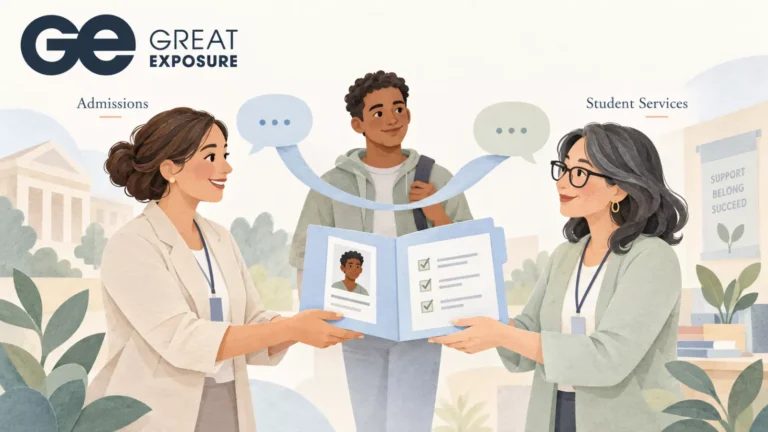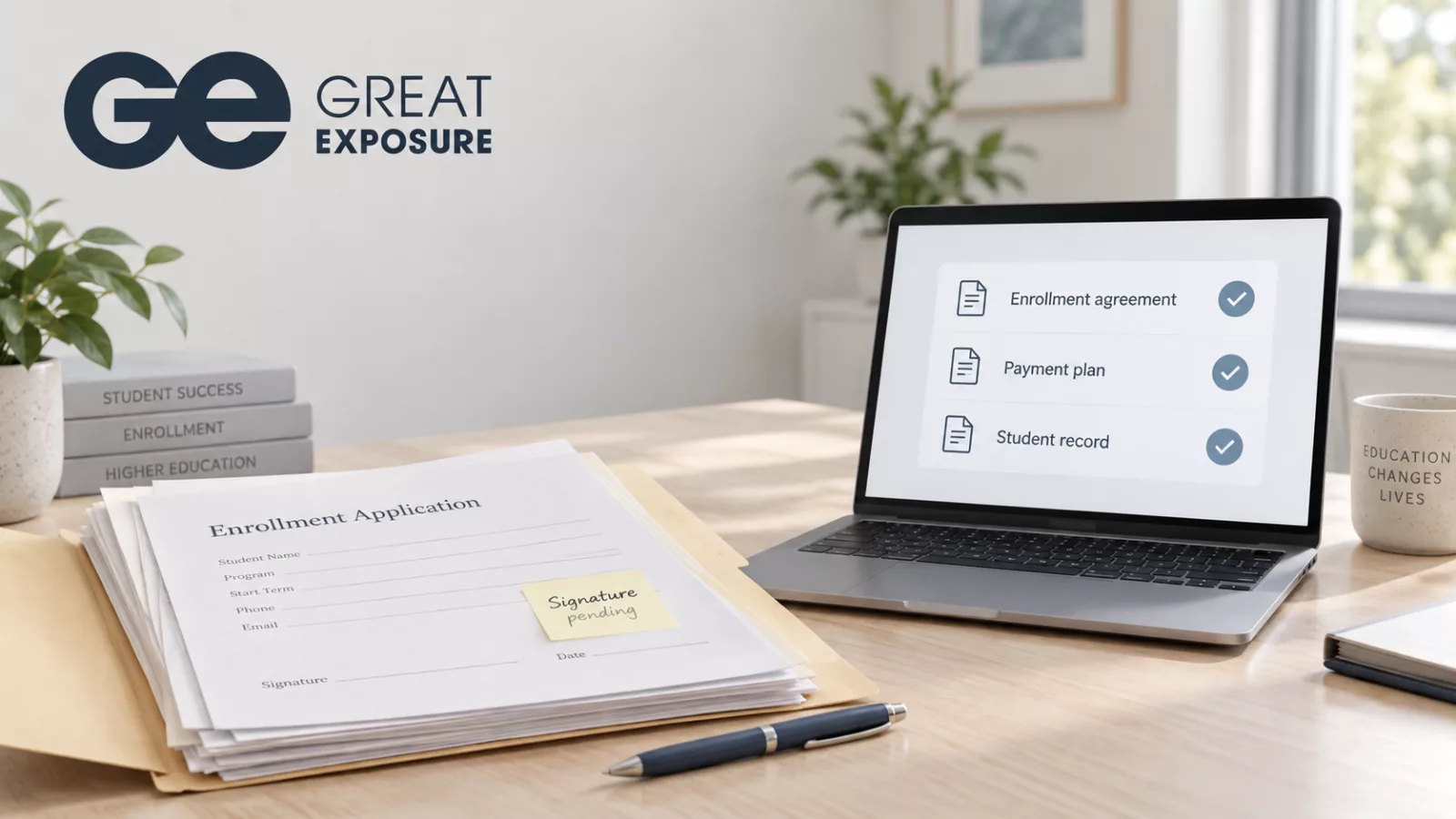
A student has agreed to enroll. The admissions representative has confirmed the program and start date. Finance is preparing the payment arrangements.
Then someone asks for the signed enrollment agreement.
The student returned it, but the attachment is in another employee’s inbox. The copy in the shared folder has an outdated start date. Someone needs to confirm which version to use before the next department can proceed.
For a career college preparing its next intake, that delay can affect several people’s work. Paper-based admissions makes staff responsible for moving documents, checking versions, and telling colleagues when a file is ready. Each handoff creates another opportunity for work to stall.
A missing signature can hold up several departments
Admissions collects information that other teams need to do their jobs. Depending on the school’s process, finance may need a completed agreement before finalizing payment arrangements. The registrar may need confirmed enrollment details before completing a student’s record.
Consider a typical paper workflow. An applicant fills out a form, signs it, and sends back a scan. An admissions representative checks the document, requests a correction, saves the replacement, and forwards it to finance. Another employee enters the same details into the student system.
If the applicant changes their start date during that exchange, staff have to update the agreement and the student record. They also need to make sure colleagues stop using the earlier copy.
The signature itself may take a minute. Coordinating everything around it takes longer.
Staff spend time checking work that someone has already done
Schools often absorb this effort into their daily routines. A representative follows up on an unsigned form. Finance asks whether the student returned it. A manager checks a spreadsheet before reporting how many applicants are ready to start.
Each person has a reasonable reason to check. They lack a reliable way to see the same document status.
That creates repeated work around a single student file. Employees search email threads, compare attachments, and ask colleagues for updates. During a busy intake, those checks compete with applicant conversations and preparation for the next class.
To understand the workload, follow a few recent applications from acceptance to a completed enrollment file. Record who handled each document, where they saved it, and how often another employee asked for confirmation. Include time spent correcting information and entering it again.
That review can help leaders identify the specific handoffs causing delays.
Applicants experience the school’s internal gaps
From the applicant’s perspective, the process should feel straightforward: provide the requested information, review the agreement, sign, and receive confirmation.
When departments work from separate copies, a student may receive a reminder for a form they already returned. They may have to print and scan a replacement because one field changed. If two employees give different answers about what is outstanding, the student has to help reconcile the school’s records.
These exchanges add friction at a point when applicants may also be arranging work schedules, transportation, or childcare.
Schools can reduce paperwork in school administration by giving students a clear way to complete documents and giving staff a shared view of what still needs attention.
Paperless admissions needs a clear handoff
When evaluating paperless admissions software, follow one document through the entire process. Check how staff prepare it, how the student signs it, where the completed copy lives, and how the next department knows it can proceed.
An e-signature tool can shorten the signing step. Schools also need to decide who reviews the completed document and who handles exceptions.
For example, a school should define what happens when an applicant signs an agreement and then changes programs. Staff need an agreed process for updating the information, preparing a replacement, and identifying the current version.
Digital documents still require ownership. A named employee should handle each outstanding item, and the school should define what counts as a complete file.
Connecting documents with the student record
Great Exposure’s CampusLogin combines admissions and student administration through its CRM and SIS offering. Its integrated e-signature solution, SignaturesSecured, lets schools send, sign, track, and store admissions, financial, and student services documents within CampusLogin. Explore CampusLogin’s document workflows.
That gives schools a way to keep signed documents within the platform they use to manage student information. During a demonstration, ask to follow an enrollment agreement from preparation through signing and retrieval by the staff who need it.
Start with the document that causes the most follow-up at your school. Establish who owns it, what makes it complete, and which department depends on it next. Then assess how CampusLogin could support that process before the next intake.